A remote and guaranteed development environment for you to work with resources and security.

mansplainer
João Brito
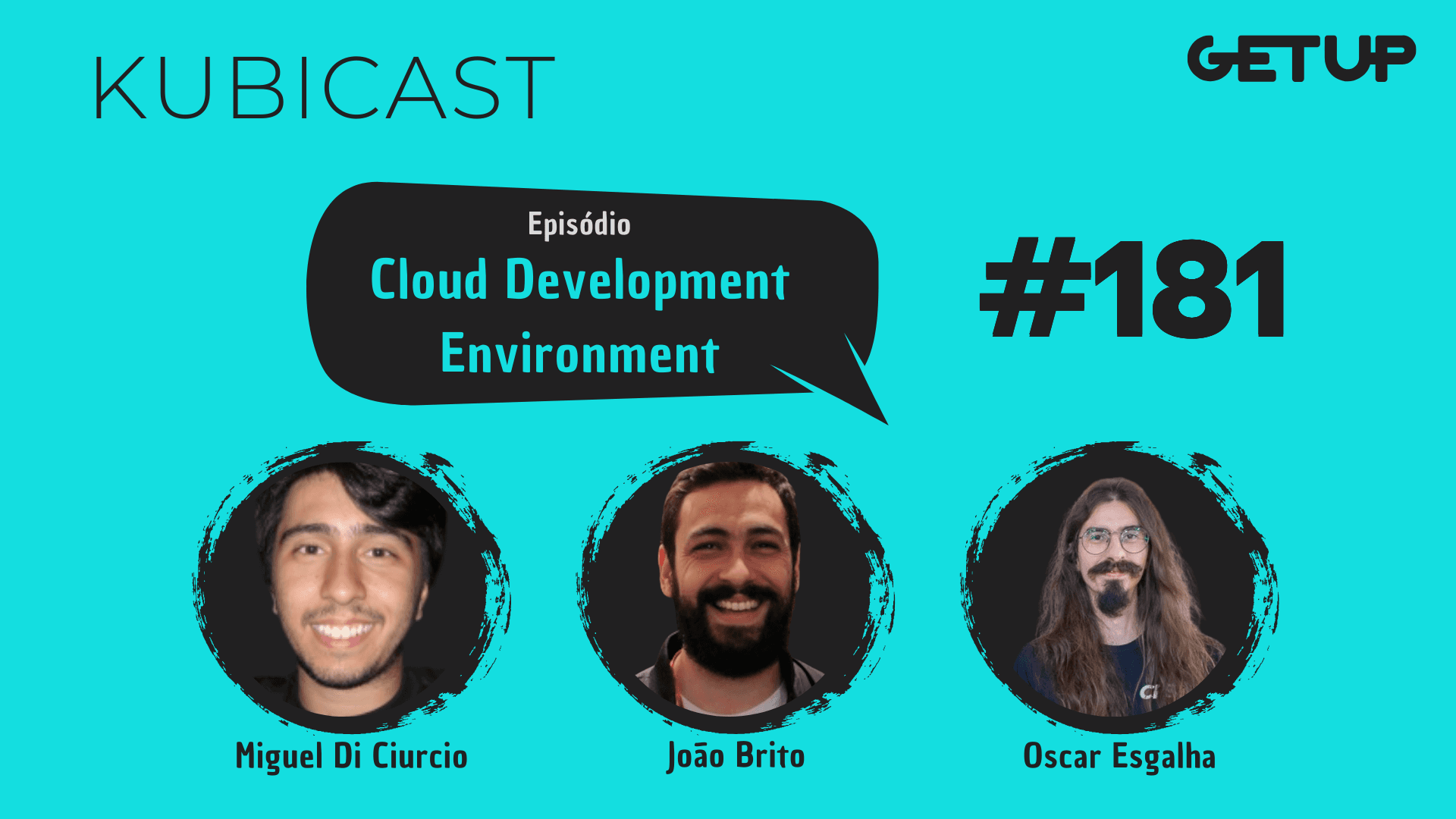
Cloud Development Environment: how to boost DevX with Kubernetes and containers
TL;DR: Cloud Development Environment (CDE) is the idea of moving the dev environment to the cloud, provisioning ephemeral and standardized workspaces on top of Kubernetes and containers. Result: faster onboarding, less "works on my machine", more governance and observability, without giving up the editor you already use.
Why talk about CDE now
In recent years, platform and SRE teams have been looking to reduce setup friction, version discrepancies, and onboarding bottlenecks. Repositories have become more complex, dependencies have exploded, and time to first PR has become a business KPI. CDEs come in here: they offer pre-configured, reproducible, and isolated environments, ready to code in minutes, including supporting services (databases, queues, caches) defined as part of the workspace template.
In episode 181 of Kubicast, we chatted with Miguel and Oscar, founders of CPS1, a startup that has been tackling exactly this problem using Kubernetes and containers as a base.
What a CDE is (and what it is not)
A Cloud Development Environment delivers a remote workspace, accessible by your editor (VS Code, JetBrains, or SSH), with language, SDKs, toolchains, and services already set up. It is not a traditional VDI or a rigid remote desktop. In general, CDEs rely on:
Ephemeral workspaces: create, use, discard. Minimal state, maximum reproducibility.
Declarative templates: they describe language, dependencies, and auxiliary services per project/team.
Separation by container/pod: each dev gets a predictable environment limited by quotas.
Git integration: workspaces by branch and preview automations.
Benefits we experienced in practice
Accelerated onboarding: from hours/days to minutes, with a standardized Quickstart.
Less drift: everyone compiles, tests, and runs on the same base.
Real shift‑left: IaC tests, support services, and tooling run right inside the workspace.
Governance and security: centralized policies, resource limits, and auditing.
Cost/efficiency: containers scale dynamically; idle time is reduced.
VDI vs CDE: a quick comparison
Criterion | VDI/Remote Desktop | CDE based on Kubernetes |
|---|---|---|
Dev experience | Remote desktop, UI latency | Local or remote editor, low friction |
Reproducibility | Heavy, rigid image | Versioned templates, by stack |
Support services | Difficult to orchestrate | Declared and provisioned together |
Cost | Machines running fully all the time | Ephemeral, scales on demand |
Security | Centralized, low granularity | Policies, quotas, isolation by pod |
An architectural backbone
Operator/Control Plane in the cluster to orchestrate workspaces and dependencies.
CRDs/Templates describing languages, SDKs, images, and services (DB, MQ, cache).
Provisioning on demand (Helm/Controllers) with namespaces per workspace.
Access via VS Code Remote, JetBrains Gateway, or SSH.
Observability: metrics per workspace/project; Kubernetes logs and events.
The key point: CDE turns the dev setup into a platform problem, making it reproducible, versioned, and auditable.
Use cases that shine
Onboarding and learning paths: templates by tribe/product; ready-to-go samples.
Preview environments by branch: pull request review with synthetic data and isolated services.
IaC and pipeline testing: run Terraform/Ansible/Cloud CLI securely.
Backports and hotfixes: create a workspace with a "legacy" toolchain in minutes.
Productivity without changing tools
CDE does not require abandoning your workflow. The dev continues with VS Code or JetBrains, using their usual extensions and shortcuts. The difference is that the runtime runs in containers in the cluster; the correct code and binaries live together in the right environment.
Operation, security and costs
Platform teams gain visibility: which templates are used most, which services consume more resources, and how to adjust limits/requests and autoscaling. Security improves with isolation by namespace, RBAC, and network policies. Financially, it reduces the waste of idle machines and standardizes costs per project/team.
Getting started in practice
If your team already uses Kubernetes, the natural step is to define a first template (language + dependencies + services), point to a cluster, and validate the workflow with a pilot team. From there, measure:
Onboarding time (from "clone repo" to first PR)
Success rate of local build/test
Average cost per workspace and idle time
Developer satisfaction (DX surveys)
Tip: start small (one product, one stack), iterate on the templates, and only then scale to the rest of the organization.
Who is it for
Platform/SRE teams that support multiple stacks and need governance.
Product engineering with monorepos and heavy integrations.
Regulated organizations that require auditable tracks and strong isolation.
Important Links
João Brito — https://www.linkedin.com/in/juniorjbn
Watch the movie TEArapia — https://youtu.be/M4QFmW_HZh0?si=HIXBDWZJ8yPbpflM
Discover CPS1 — https://cps1.tech
Documentation to start with CPS1 — https://docs.cps1.tech/latest/quickstart/
Oscar — https://www.linkedin.com/in/oesgalha/
If you liked this topic, it's worth listening to the full episode of Kubicast 181 and sharing it with your platform team. 🚀
🎧 You can also listen to Kubicast on Spotify, and share it with everyone who is waiting for their PC upgrade to run tests :D
Newsletter Getup.
Atualizações sobre Kubernetes e Software Supply Chain Security todos os meses.
Operating Kubernetes in production for more than 13 years. With Quor, this experience extends to software supply chain security as well.
GET UP
© Getup · 2026